Moving a Development Environment from Intel to Apple Silicon
Understand migrated Intel applications, Rosetta, and the Homebrew prefix differences that affect a development environment.
In this article
Migration Assistant made moving an Intel Mac’s environment to an Apple Silicon MacBook look almost effortless. The problem appeared later: familiar development tools no longer behaved as expected, and even an attempt to run AutoGPT led to environment problems.
These notes record the two migration issues I investigated: Intel applications carried over unchanged, and the difference between Intel and Apple Silicon Homebrew installations.
What Migration Assistant carried over
Migration Assistant transfers applications, files, and settings. That convenience can also preserve parts of the old development environment, including paths and Intel application binaries.
Rosetta 2 allows many Intel applications to run on Apple Silicon, which can make the architecture mismatch easy to miss. An application launching successfully does not mean its native Apple Silicon version is installed.
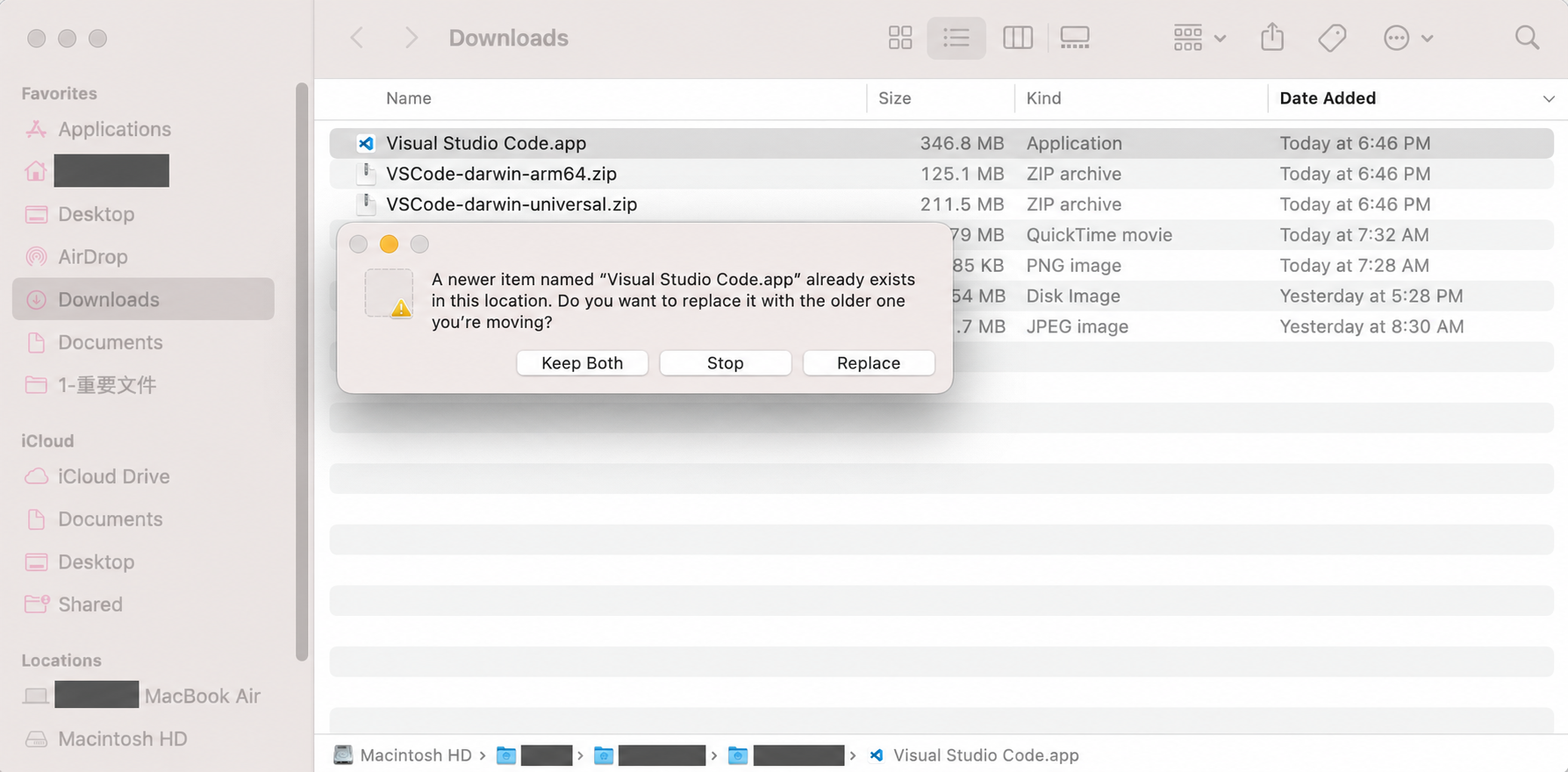
If an application feels unexpectedly slow or behaves differently after migration, check its architecture and whether the vendor provides an Apple Silicon or universal build. The original example was Visual Studio Code: download the appropriate build rather than assuming the migrated application is already native.
Work through the applications you actually use. A successful transfer of the old machine’s files is different from rebuilding a coherent development environment for the new architecture.
Homebrew uses a different installation prefix
Homebrew normally uses /usr/local on Intel Macs and /opt/homebrew on Apple Silicon. The Homebrew installation documentation describes these platform-specific locations.
That difference matters when shell configuration, build tools, or installed packages still point at the old prefix. A process may find the wrong executable or fail to locate the library it expects. Check the active shell environment and the architecture of the tools involved before removing anything.
The original cleanup procedure used Homebrew’s uninstall script with an explicit prefix:
curl https://raw.githubusercontent.com/Homebrew/install/HEAD/uninstall.sh -o uninstall.sh
chmod +x uninstall.sh
# Select the old homebrew path to clean up
./uninstall.sh -p /usr/local
The -p /usr/local argument selects the old Intel installation instead of the default Apple Silicon prefix. This is a destructive cleanup example from the migration notes, not a command to run without checking what depends on the old installation.
Before removal, record the packages and configuration you need, verify that the intended Apple Silicon environment works, and inspect the uninstall script. Keep the cleanup scoped to Homebrew; /usr/local can contain software unrelated to it.
The lesson from the migration
A new processor architecture can reveal assumptions that were invisible on the previous machine. Native applications, package-manager prefixes, shell paths, and linked libraries all need to agree.
Migration Assistant saved time moving the machine’s contents. The remaining task was to verify the development environment as a system, rather than treating a successful file transfer as proof that every tool had migrated correctly.
Thanks for reading. Have a question or a different perspective?
Follow via RSS →